
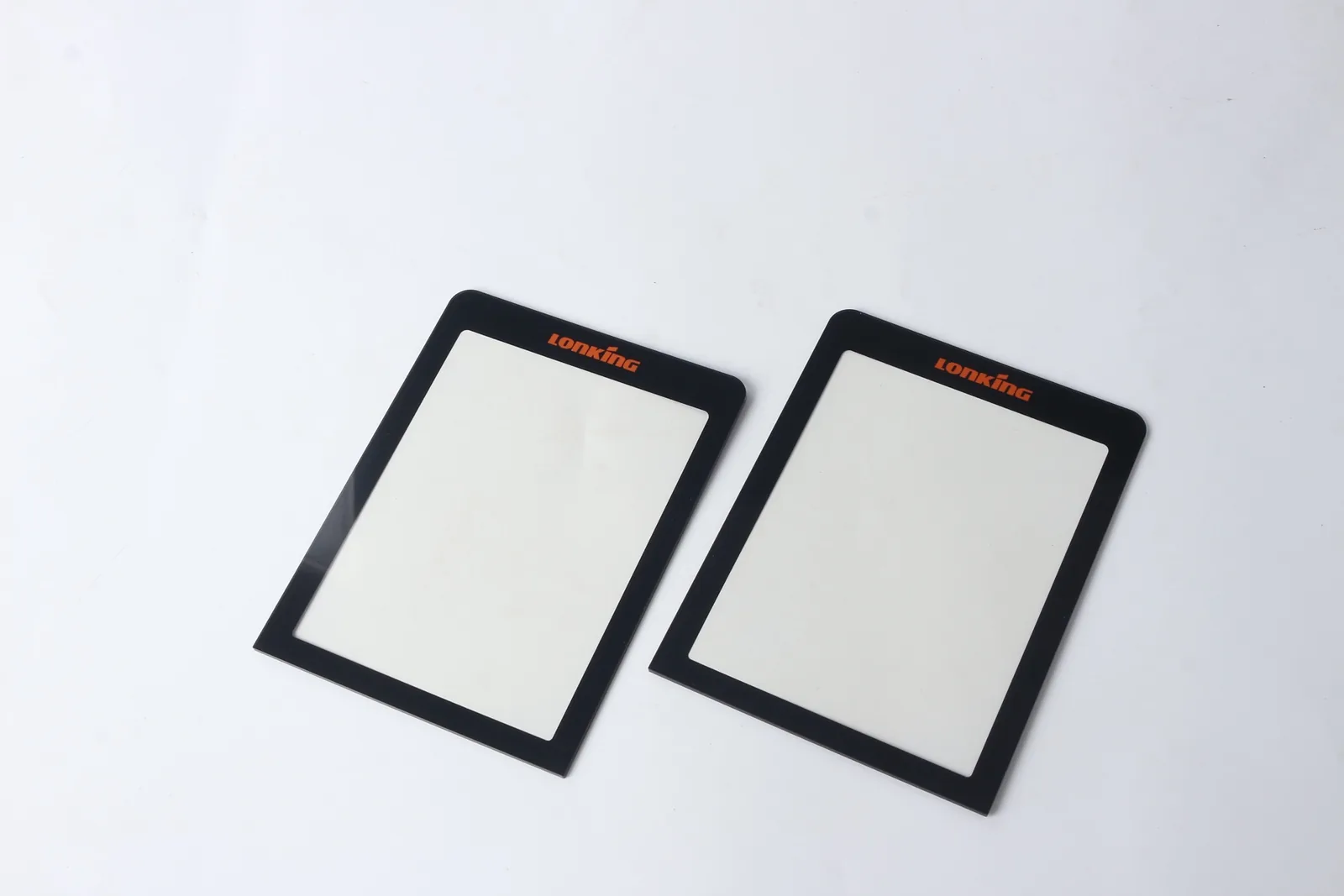
Quick answer: if your product team is evaluating interactive displays, kiosks, room panels, or shared control screens, do not approve the front graphic overlay by appearance alone. Check the display window border, surface finish, cleaning method, adhesive edge design, and housing fit before sampling. Those details decide whether the panel still looks clean after fingerprints, alcohol wipes, glare, and repeated use.
Current trend: interactive displays are still expanding, but the front surface has to survive real use
InfoComm 2026's Digital Signage page and education topics page show continued attention on digital signage, kiosks, large-scale deployment, and accessible wayfinding. For buyers, the useful takeaway is not the event calendar itself. It is the practical question behind the displays: what protects the front surface when users touch, wipe, and view the panel all day?
A display demo can look sharp for ten minutes under show lighting. A shipped product has to handle fingerprints, edge contact, cleaning chemicals, bright ambient light, and alignment with the actual housing.
Buyer problem: the window area usually fails before the artwork does
In many projects, the discussion starts with logo color or icon layout. The real sample risk often sits around the display window and the outside edge.
Common problems include:
- A glossy window that reflects ceiling light and reduces readability.
- A black border that is too narrow and exposes uneven display edges.
- Adhesive placed too close to the visible area, which creates haze or edge marks.
- A textured surface that looks fine off the product but reduces display clarity after assembly.
- Edge lifting near corners because the housing surface, coating, or bonding pressure was not defined early.
- Cleaning damage because the buyer approved the print without naming the wipe or chemical used in service.
If the final product is a shared interface, kiosk, wall panel, charger display, or public control surface, these issues show up quickly.
Check the display window before choosing the final surface finish
For graphic overlay projects with a viewing window, start with the screen opening and visible border, not only the overall artwork.
Confirm:
- Active display area and required visible area.
- Black mask width and tolerance on all sides.
- Whether the window needs high clarity, anti-glare texture, or a mixed gloss-matte treatment.
- Whether the panel sits over LCD, OLED, LED indicators, or another display stack.
- Whether there is a dead-front icon area near the window.
- Whether the housing creates a recess, gasket line, or pressure point near the border.
A graphic overlay for an equipment display is different from a printed label. The border, window, and stack-up must be reviewed together. If you are still comparing structures, the graphic overlay page is the closest product reference.
What should buyers decide about glare, fingerprints, and cleaning?
Interactive display products are often judged in bright lobbies, meeting spaces, retail counters, machine areas, and service corridors. A finish that looks premium in one environment may become hard to read in another.
Review these points before sampling:
- Is the panel used under direct overhead light, window glare, or mixed indoor lighting?
- Will operators use bare fingers, gloves, or stylus input?
- Does the panel need to hide fingerprints better than it needs maximum optical clarity?
- Will the surface be cleaned with alcohol wipes, neutral cleaner, or another chemical?
- Does the buyer need a hard-coated top surface or only a standard printed overlay?
Do not ask the supplier for "good anti-glare" or "easy cleaning" without a use case. Those phrases are too loose to control the sample.
Edge durability and bonding usually decide whether the panel still looks acceptable after launch
Public-facing and frequently used displays are handled at the edge as much as at the center. Users tap corners, cleaners wipe across the border, and installers press the part during assembly.
Check:
- Housing material and surface condition: painted metal, powder coat, plastic, glass, or textured plastic.
- Flatness of the bonding area and corner radius.
- Whether the overlay edge is exposed, recessed, or protected by a bezel.
- Adhesive coverage around the window and narrow bridge areas.
- Bonding pressure and dwell time during assembly.
- Whether the tail, connector, or sensor stack pulls on one side of the front panel.
A window that looks centered on the table can still shift visually after bonding if the housing edge and adhesive plan were not reviewed together.
RFQ checklist for interactive-display graphic overlays
For a faster quotation and a better first sample, send:
- 2D drawing with overall size, display opening, visible window, border widths, and corner radii.
- Artwork file with print colors, hidden border, and any transparent or dead-front areas.
- Display type and a front-view photo of the actual stack if available.
- Housing material, surface finish, and a photo of the bonding area.
- Lighting condition and readability concern: glare, low light, fingerprints, or mixed environments.
- Cleaning method and chemical if known.
- Surface requirement such as gloss, matte, textured, hard coat, or mixed treatment.
- Adhesive requirement, gasket relationship, and whether the edge is exposed or protected.
- Sample quantity, annual quantity, and target launch timing.
- Any failure history from the previous panel, especially haze, edge lift, scratch marks, or poor mask alignment.
If your team is ready for engineering review, send the package through the Request Quote form so the supplier can review the window structure instead of pricing only the print.
Practical takeaway
InfoComm 2026 is a useful reminder that interactive-display products are still judged first by the front surface. For buyers, the key job is to define what the user sees, touches, and wipes every day. A good graphic overlay sample should prove window clarity, border control, cleaning resistance, and edge stability before mass production.
Need help reviewing a structure?
Send your drawing, photos, application, and quantity. Baoshengda can help check the structure before sampling.
Send Drawing for Quote