
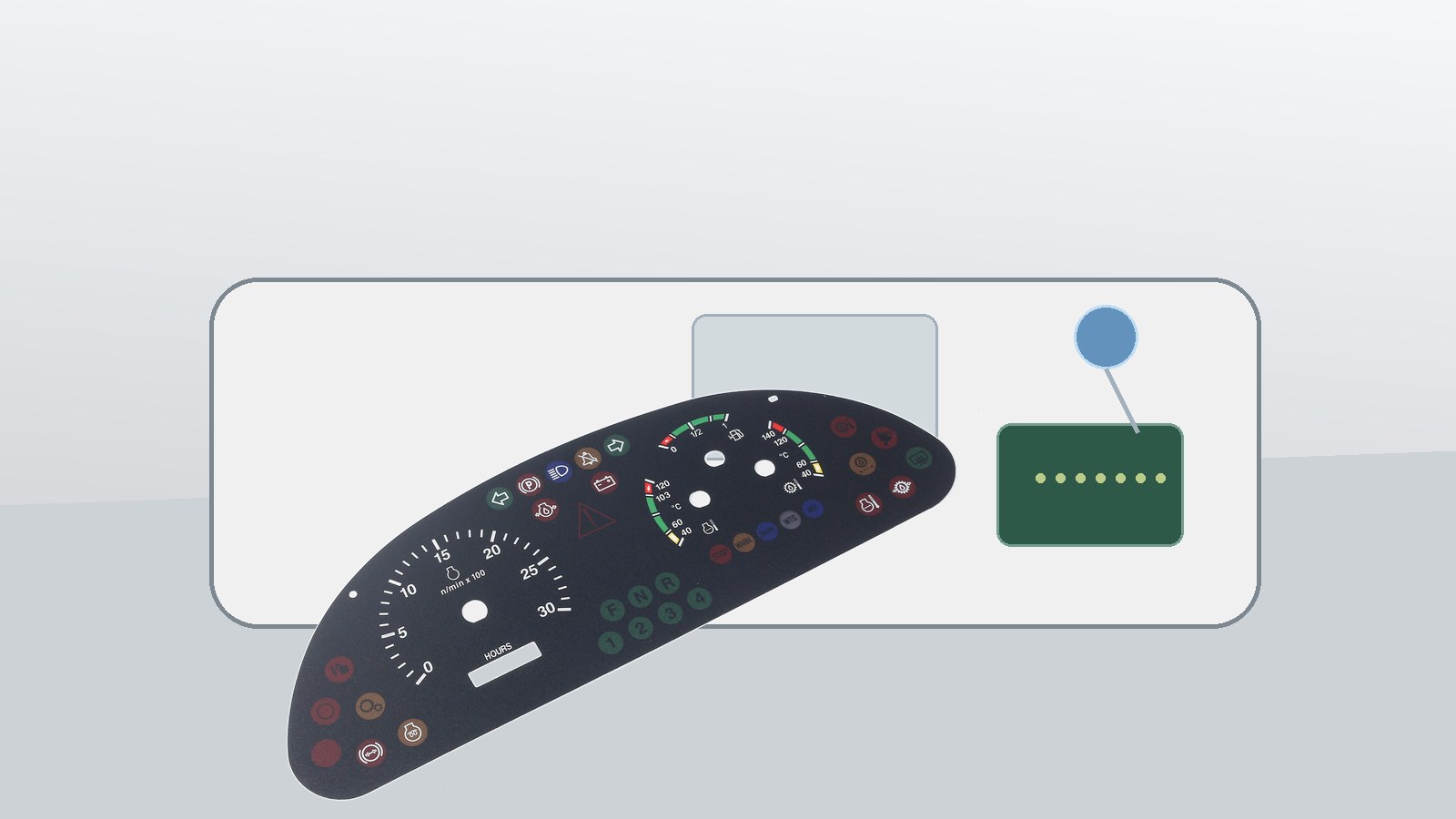
Quick answer: choose touch-only automotive HMI only when the driver or operator can confirm the command without looking away, the surface stays readable in glare, and the panel still works after cleaning, heat, and glove-use checks. If the command needs blind operation or a clear press feel, keep a tactile element such as a membrane switch, rubber keypad, metal dome stack, or raised overlay area in the design. Baoshengda's automotive HMI page is the closest product reference for this kind of control-surface decision.
The interface decision should start with the driving task, not with screen size. Frequently used controls, night operation, glove use, glare, and emergency actions may justify tactile keys or a mixed HMI even when a touch display is available.
What should the buyer decide before the interface layout is frozen?
Start with the command priority. A display menu, seat setting, lighting mode, climate shortcut, warning reset, and emergency-related control do not need the same interface feel. The supplier cannot judge the right stack only from a front artwork file.
Before sample quotation, separate controls into three groups:
- Controls that can be touch-only because the user normally looks at the screen.
- Controls that need tactile feedback because the user may operate them by feel.
- Controls that need a mixed solution, such as a graphic overlay window with raised icons, metal domes, backlighting, or a small rubber keypad area.
A common failure mode is approving a smooth black panel because it looks clean in a rendering, then discovering during vehicle or equipment trials that the operator has to look down for every command. That can create a usability complaint even when the printed overlay and circuit both pass basic inspection.
How do glare and night visibility change the control choice?
Automotive HMI surfaces are judged under more than showroom lighting. Gloss level, overlay texture, window haze, LED color, icon density, and viewing angle all affect whether a buyer should choose touch-only or tactile controls.
Review these visibility checks early:
- Check if the icon remains readable at the normal driver or operator angle.
- Test the surface under side light, dashboard reflection, and low-light conditions.
- Confirm whether the backlit area needs light blocking, diffusion, or separate LED zones.
- Decide which controls require raised icons, embossed areas, or dome feedback.
- Confirm whether the overlay finish must resist fingerprints, alcohol wipes, and repeated cleaning.
For backlit automotive panels, a small light leak around one icon can be more noticeable than a small color difference in daylight. Ask for the backlight stack and light-blocking plan before opening a tool.
What sample checks prevent touch-surface problems?
A sample should prove the installed feel, not only the artwork. The housing, adhesive, PCB, connector, backlight, overlay, and spacer can all change the final user experience.
Use this sample-stage checklist:
- Press feel: compare bare switch force with the force after overlay, adhesive, and housing assembly.
- Touch response: confirm the target sensing method, finger size, glove condition, and false-trigger risk.
- Window fit: check display window position, edge shadow, haze, and adhesive intrusion.
- Backlight: check icon brightness, light leak, color matching, and dimming range.
- Tail route: confirm the tail exit does not cross a screw boss, sharp rib, hot area, or moving clip.
- Surface durability: define cleaning agent, abrasion expectation, and expected handling during assembly.
One tradeoff is thickness. A stronger tactile stack may need spacer height and dome travel, while a thin touch surface may be easier to bond but weaker for blind operation. The right decision depends on the command type and the final housing, not only on the appearance of the overlay.
When should a mixed HMI stack be used instead of touch-only?
A mixed stack is useful when the panel needs a clean front surface but still has commands that benefit from feel. For example, a buyer may keep a display window and capacitive touch area for menu functions, then add metal domes or raised overlay zones for high-frequency commands.
Consider a mixed stack when:
- The product will be used with gloves, vibration, or limited viewing time.
- Some commands must be confirmed by feel without waiting for a screen response.
- Icons need backlighting but the surface must stay sealed and easy to clean.
- The housing has limited space for separate mechanical buttons.
- The buyer wants the same front artwork style across several model variants.
This is where membrane switch construction, graphic overlay control, adhesive selection, and connector planning need to be reviewed together. If these items are handled separately, the sample can look right but feel wrong after assembly.
What should be sent with the RFQ?
For a useful quotation, send more than a front-panel image. A useful RFQ package explains how the HMI will be installed and used.
Send these items when requesting an automotive HMI sample or quotation:
- Front artwork, display window size, icon positions, and color requirements.
- Housing drawing, mounting surface, adhesive landing, and available stack height.
- Control list showing which functions need touch-only, tactile, or mixed feedback.
- Backlight color, brightness expectation, dimming requirement, and night-use concern.
- Tail exit direction, connector type, pitch, contact side, and PCB location.
- Use conditions such as sunlight, glove use, cleaning agent, temperature range, and expected handling.
- Sample approval criteria for press feel, readability, light leak, window fit, and installed response.
After that, route the project from this guide to the automotive HMI product page and then to Request Quote. That path helps the engineering team connect the interface decision with drawings, housing constraints, connector details, and sample checks before quoting.
Need help reviewing a structure?
Send your drawing, photos, application, and quantity. Baoshengda can help check the structure before sampling.
Send Drawing for Quote