
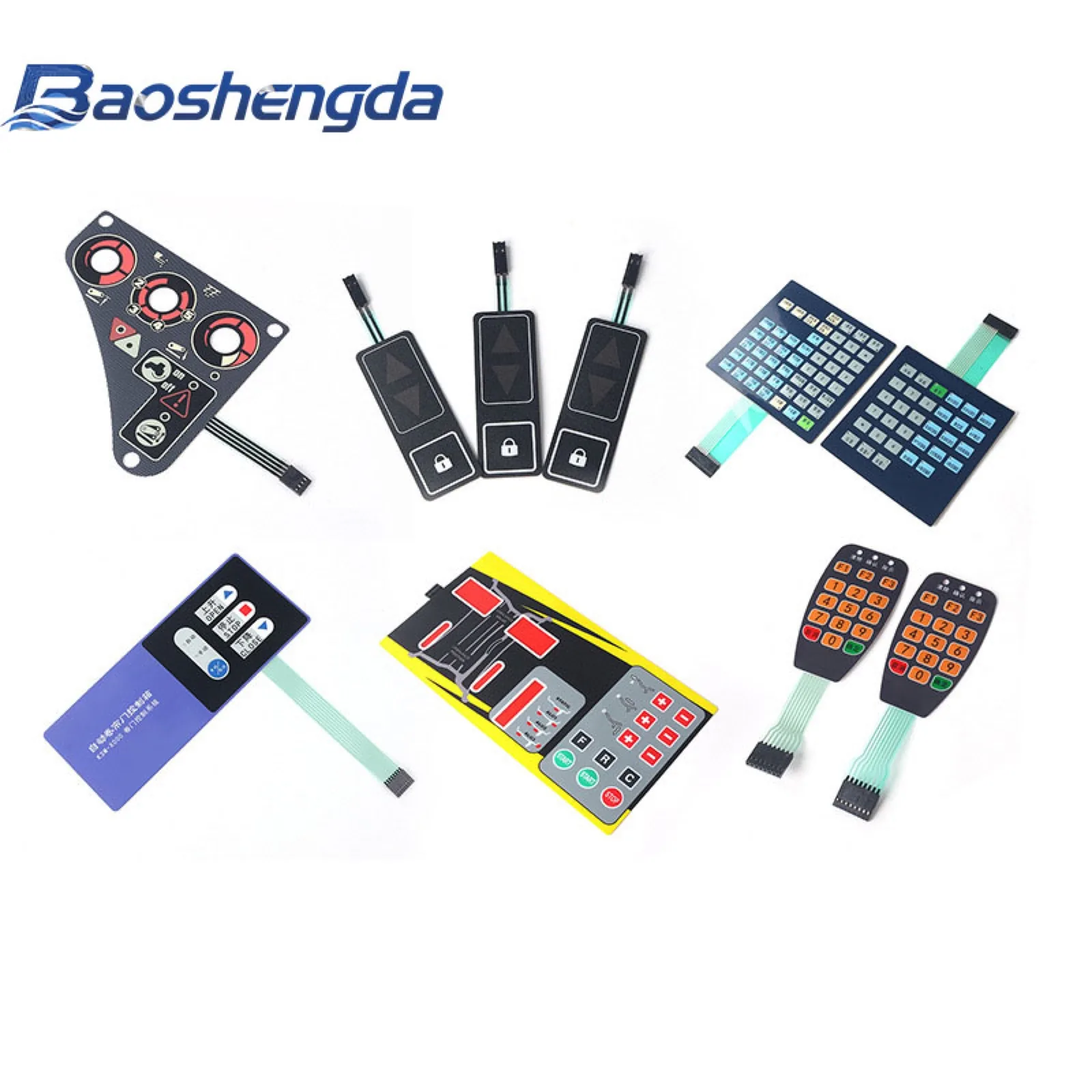
Quick answer: the current automation and robotics discussion should not push every industrial interface toward a full touch screen. For machine tools, test equipment, robot fixtures, control boxes, and sensor devices, a custom membrane switch can still be the practical HMI choice when buyers need sealed buttons, clear printed labels, tactile feedback, compact tail routing, and repeatable operation.
Automate 2026 is scheduled for June 22-25, 2026 in Chicago, and the official event materials position it around robotics and automation adoption across manufacturing and related industries. The useful buyer takeaway is not the event itself. It is the engineering question behind it: when more equipment becomes automated, what kind of control surface is reliable enough for daily operators, maintenance teams, and factory environments?
Current trend: more automation, more practical HMI decisions
Automation projects often focus on robots, vision systems, motion control, and software. But the equipment still needs physical interfaces for setup, reset, mode selection, emergency-related actions, parameter entry, test steps, and service work.
For buyers, that creates a practical decision:
- Which functions belong on a screen?
- Which functions need a dedicated button position?
- Which labels must stay visible after cleaning and repeated use?
- Which controls must work with gloves, dust, vibration, or splash exposure?
- Which tail and connector layout can survive the housing design?
A membrane switch is not the answer for every HMI. It is useful when the project needs a thin, sealed, custom-printed control panel with clear key positions and flexible connection to the PCB.
Buyer problem: touch screens are not always enough
Touch screens are useful for data, menus, and flexible software features. In industrial equipment, however, some actions still benefit from a physical key area or printed panel. Operators may work with gloves, dust, oil, cleaning liquid, low light, vibration, or repetitive tasks.
Consider a membrane switch or keypad area when the interface needs:
- Tactile confirmation for frequently used keys.
- Printed icons or labels that stay in a fixed position.
- Sealed front surface for dust or splash resistance.
- Compact structure where a full touch display is unnecessary.
- Lower electronics complexity for simple control functions.
- A replaceable overlay or keypad for service parts.
The decision should be based on the user task, environment, and assembly structure rather than appearance alone.
Which functions should become physical keys?
Start by listing the actions that operators use most often or need to find quickly. These are usually better candidates for a dedicated membrane key, rubber key, metal dome key, or hybrid control area.
Typical physical-key candidates include:
- Power, start, stop, reset, and confirm keys.
- Direction keys and mode selection.
- Numeric entry for setup or service.
- Alarm acknowledgement and test functions.
- Frequently used machine parameters.
- Service functions that should not be hidden inside a menu.
If the product also has a display, define which keys sit around the window and which functions stay on the screen. This avoids a common sample problem where the overlay artwork looks good, but the operator workflow is awkward.
Product and design checks before sampling
Before asking for a membrane switch quotation, check the complete HMI structure, not only the printed artwork.
Confirm:
- Overlay material: PET or PC, matte or gloss, textured or smooth.
- Key type: tactile dome, non-tactile, embossed, flat, rubber keypad, or mixed structure.
- Window requirement: LCD, LED, display, transparent lens, or dead-front icon area.
- Backlight requirement: LED position, light guide, icon opacity, and night visibility.
- Sealing requirement: splash, cleaning, dust, humidity, or outdoor exposure.
- Adhesive surface: plastic, metal, powder coating, glass, or textured housing.
- Tail route: exit direction, bend radius, length, and strain relief.
- Connector: pitch, pin count, contact side, stiffener thickness, and mating PCB position.
A good sample should prove fit, function, tactile feel, and assembly. It should not only look close to the drawing.
How should buyers think about tactile feedback?
Tactile feedback matters when operators need confidence without staring at the panel. A metal dome under a printed key can provide a click feel in a thin structure. A non-tactile design may work for simple sealed surfaces, but it gives less feedback.
Discuss:
- Whether the user wears gloves.
- Required key size and spacing.
- Actuation force target if known.
- Embossing height and shape.
- Whether keys sit near a display, window, or housing edge.
- Whether the final panel feel changes after bonding to the housing.
If the buyer has an old sample with a known good feel, send it or send a short video. If the old part failed, describe whether the issue was weak click, stuck key, cracked tail, poor printing, or edge lifting.
How should sealing and cleaning be specified?
Industrial automation equipment may face dust, oil mist, coolant, alcohol wipes, fingerprints, or normal factory cleaning. A waterproof membrane switch is not created by one material choice. The sealing depends on the panel edge, adhesive, tail exit, window area, housing fit, and assembly pressure.
Before sampling, define:
- Splash, wipe-down, humidity, or outdoor exposure.
- Cleaning liquid or chemical contact if known.
- Whether the tail exit needs extra protection.
- Whether there are screw holes, display windows, or LED openings.
- Whether the housing surface is flat, curved, textured, or coated.
- Whether the panel edge may be rubbed during operation.
If the environment is unclear, the supplier can only quote with assumptions. Written assumptions are better than a quotation that hides the risk.
RFQ checklist for industrial HMI membrane switches
For a faster and more accurate quotation, send:
- 2D drawing with outline, hole, window, and key dimensions.
- Artwork file with icon, color, and label requirements.
- Product application and operating environment.
- Housing photo, material, and mounting-surface details.
- Key feel requirements and any reference sample.
- Display, LED, backlight, or dead-front requirements.
- Tail exit direction, tail length, pin count, and connector pitch.
- Adhesive, sealing, cleaning, or surface finish requirements.
- Sample quantity, production quantity, and target schedule.
- Known failure history from the previous version.
This information helps the supplier quote the real structure instead of guessing from a product photo.
Sample approval checklist before production
Before releasing an industrial HMI membrane switch to mass production, check:
- Printed label position, color, and readability.
- Fit around the housing edge, screw holes, and display window.
- Key feel after the panel is mounted.
- Electrical continuity for every key or circuit line.
- Tail bend route and connector mating.
- Adhesive bonding and edge-lifting risk.
- Window clarity, LED position, and backlight appearance if used.
- Surface response after normal cleaning or handling.
- Packaging protection for printed or coated surfaces.
Keep the approved sample, drawing revision, artwork file, and test notes together. If production follows an older drawing while the buyer approved a newer sample, the project can fail even when the manufacturing process is stable.
Practical takeaway
The automation trend is a reminder that HMI parts must be specified around real operator tasks. A membrane switch can be a strong fit for industrial control panels when the buyer defines tactile feedback, sealing, label durability, tail routing, connector details, and sample checks early.
Baoshengda can review drawings, artwork, housing photos, key-feel expectations, and connector details before quoting a custom membrane switch or industrial HMI panel. Clear input makes the first sample closer to production intent.
Need help reviewing a structure?
Send your drawing, photos, application, and quantity. Baoshengda can help check the structure before sampling.
Send Drawing for Quote